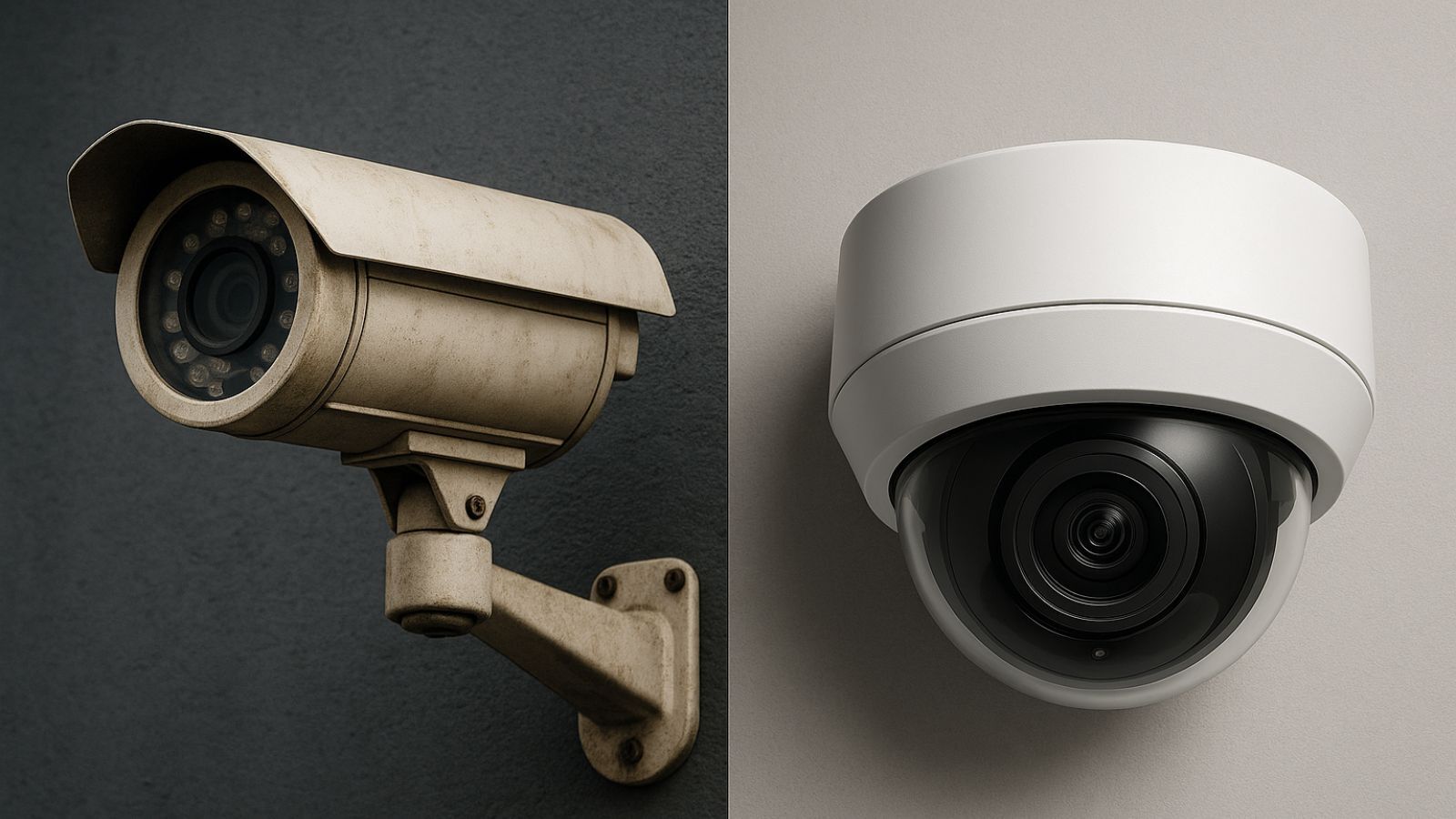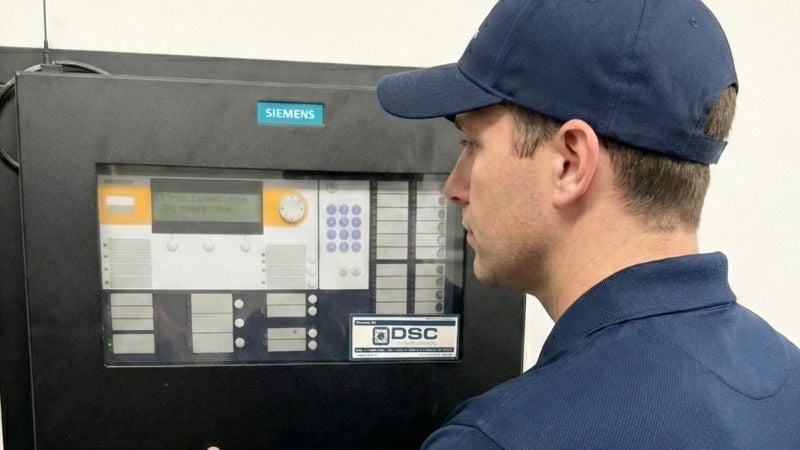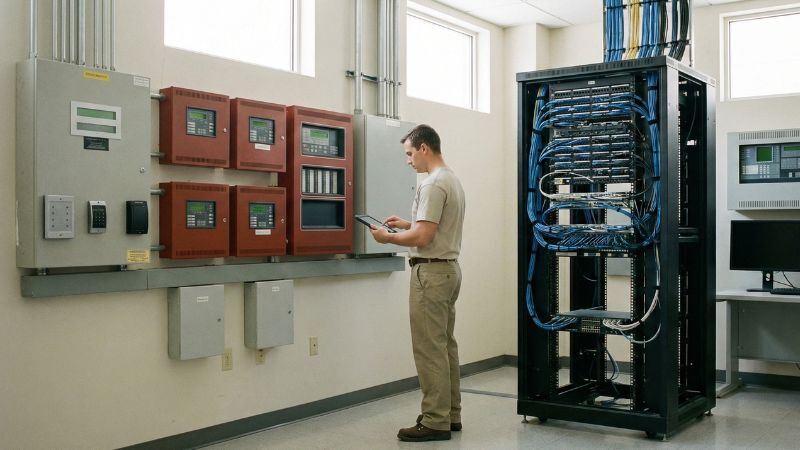
Most buildings rely on systems that were installed years ago—sometimes decades ago. Fire alarms, cameras, access control panels, intercoms, intrusion devices, and the cabling behind them are all working behind the scenes every day to keep people safe and operations running smoothly.
But no matter how well a system was designed or installed, nothing lasts forever. Equipment ages. Technology changes. Support ends. Facility needs evolve. And eventually every organization finds itself asking the same question:
“How do I know when it’s time to upgrade?”
It’s not always obvious. Life safety and security systems don’t quit all at once—they decline gradually, and often quietly. But there are clear, objective signs that tell you it’s time to start thinking about modernization.
Here are the most common ones.
1. When the Technology Around You Moves On
Most security and life safety systems are built to last. But the technology ecosystem around them moves much faster.
At some point, manufacturers stop releasing firmware. New software versions leave older devices behind. Browsers stop supporting plugins. Camera resolution expectations outpace what older sensors can produce. Access control systems struggle with new credential standards or IT security requirements.
A system may still “work,” but it may no longer be supported, secure, or reliable enough for today’s needs. Once updates stop, risk increases.
That’s usually the first sign that your system is aging out.
2. When Parts Become Hard to Find (or Impossible)
Over time, manufacturers discontinue old lines of panels, detectors, readers, controllers, and camera models. Distributors phase out old stock. Repair parts dry up.
If your organization has ever waited weeks for a backordered component—or been told “they don’t make that anymore”—that’s a strong indicator modernization should begin.
A system dependent on unavailable parts is a system that will fail without warning.
3. When Small Problems Start Showing Up More Often
Most aging systems tell you they’re struggling long before they fail. The signs are usually subtle:
- Devices failing testing more frequently
- Cameras losing clarity in low light
- Readers intermittently missing credentials
- Nuisance or unexplained trouble signals
- Delays unlocking doors or retrieving footage
- Paging audio becoming inconsistent
Individually, these issues seem small. Collectively, they’re your system’s way of saying, “I’m reaching the end of my reliable life.”
4. When the System Can’t Keep Up With How the Building Is Used Today
Buildings change. New rooms get added. New departments move in. Schedules shift. Staff roles change. Foot traffic increases. More people need access to more places. Communications need to reach more spaces.
A system that fit your building five years ago may not fit it today.
When facilities expand or operations evolve, upgrading isn’t about replacing old equipment. It’s about making your systems work for the building you have now—not the one you had years ago.
5. When Safety Codes and Standards Evolve
Life safety codes update regularly. So do inspection standards, accessibility requirements, emergency communication expectations, and security best practices.
Sometimes older systems can be brought up to current standards. Other times, the changes in code or in how an AHJ interprets those codes mean the system simply isn’t equipped for what modern safety requires.
This is no one’s fault. It’s just the natural evolution of safety.
6. When Cybersecurity Becomes a Concern
In today’s world, security systems are IT systems:
- Cameras run on networks
- Access control lives on servers
- Panels communicate across IP
- VMS platforms rely on frequent updates
Unsupported firmware, outdated encryption, exposed ports, and legacy protocols can create vulnerabilities even if the equipment itself isn’t malfunctioning.
Modernizing often isn’t about better convenience—it’s about reducing real risk.
So What Does “Upgrading” Really Mean?
Upgrading doesn’t mean ripping out everything and starting over. In most cases, it means:
- Phasing modernization
- Replacing the components that can’t be supported
- Strengthening weak points
- Making systems more reliable
- Preparing for future changes
- Reducing downtime and service calls
A good modernization plan focuses on what actually matters, avoids unnecessary expense, and aligns with your building’s operational reality.
That’s where the right partner makes all the difference.
How DSC Helps You Make Sense of It All
For nearly five decades, DSC has helped organizations maintain, modernize, and get more value out of the systems they rely on every day. Our job isn’t to sell equipment—it’s to help you understand the condition of your systems and make informed decisions about what should be repaired, what can be extended, and what truly needs to be upgraded.
Here’s what partnering with DSC looks like:
Clear, Objective Evaluation
We inspect systems using straightforward criteria—support status, part availability, condition of equipment, building changes, cyber risks, and overall performance.
Practical Recommendations
If a system still has safe and reliable life left in it, we try to extend it. If it’s time to modernize, we show you why in clear, measurable terms.
Phased Planning
We help you avoid emergencies by planning upgrades around your budget, your schedule, and your calendar—not ours.
A Long-Term Relationship, Not a Transaction
Modernization is a service. It’s not about replacing hardware. It’s about keeping your building safe, reliable, and ready for the future.
When your systems are modern, your operations are smoother, your staff is less stressed, inspections are simpler, and your facility runs with fewer surprises.
That’s the point.
A Simple Next Step
If you’re unsure whether your systems are aging or need attention, DSC can perform a System Health & Modernization Review—a straightforward evaluation that identifies:
- What’s working
- What’s wearing out
- What’s unsupported
- What’s at risk
- What can be extended
- What should be planned for the future
No cost, no obligation.
Just clarity. If you’d like us to take a look, send us an email at sales@thinkdsc.com - or SEND US A MESSAGE HERE.